> For the complete documentation index, see [llms.txt](https://help.seo-pro.app/llms.txt). Markdown versions of documentation pages are available by appending `.md` to page URLs; this page is available as [Markdown](https://help.seo-pro.app/blog-tools/blog-article-generator.md).
# Blog Article Generator
The purpose of a blog is to drives users to your store who are in the *research phase of making a purchase.*
> Example: Someone is considering buying an AC cooler for their home. Before they start looking for brands to purchase from, they may start doing some research on AC cooler’s so that they can make an informed purchasing decision.
>
> They may search keywords like “What type of air coolers are best for home use?” or "Which are the best AC Coolers for a small room?"
These research-based blogs also helps your product and collection pages rank higher too. This is because these blogs builds topical relevancy. Topical relevancy means that if you have a ton of content surrounding one topic: i.e. AC cooler, Google will see you as an authority for that topic, and rank all of your pages for that topic higher.
Your goal should be to rank for all these research-based keywords, so your store attracts anyone expressing interest in purchasing a product you sell.
***
The "Blog Article Generator" tool allows you to create blog article for your Shopify store.
Next write the keyword you want to rank for in Google:
In this example, we're targeting the "AC Coolers" keyword in Google
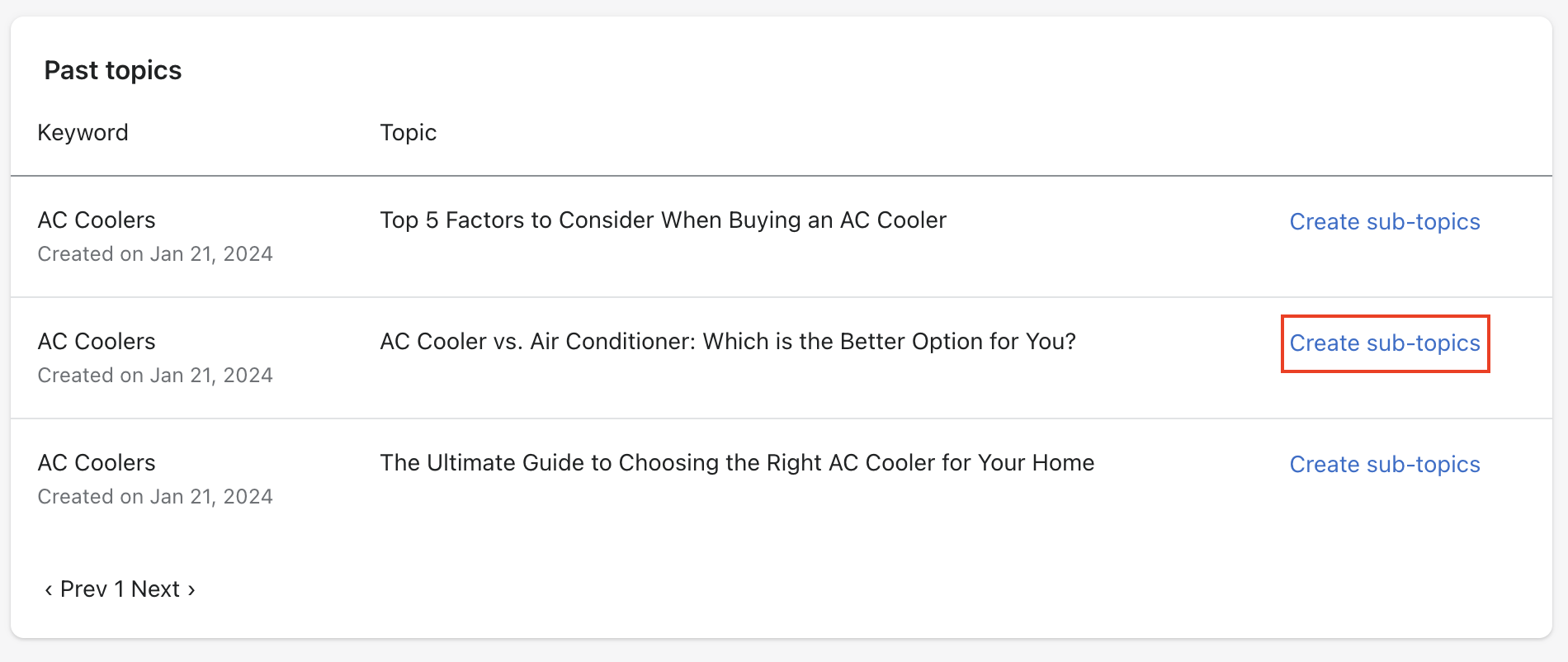
The tool will generate 3 blogs titles for your keyword.
Choose your favorite and click "Create sub-topics"
Now you have a blog article generated with topics optimized to convert for the keyword you entered. Click "Save blog post".
#### Write the main blog content yourself
We encourage you to use this tool to come up with topics and sub-topics, but to write the main content of the blog yourself, or using a high-quality human writer. It is not recommended to use AI to write the whole blog for you. This is because it’s cheap and faster to use AI, and everyone will be writing content with AI.
So, how are you going to stand out among your competitors? *By writing the content yourself.* Use this tool to come up with topics and an outline, and then write around 200 words for each sub-topic yourself or by outsourcing to your writing team.